
Immersive Live Streaming Solution

See the Whole Scene. Experience It Live.

With real-time 360° stitching completed inside the camera, Cupola360 delivers a ready-to-stream panoramic signal directly to YouTube or a multi-camera viewing environment powered by Cupola360⁺ Patrol—allowing audiences to explore the full scene from anywhere.

Complete 360° Visibility

Capture the full surrounding scene without limiting viewers to one fixed camera direction.

Ready-to-Stream Output

Complete panoramic stitching inside the camera and deliver a live 360° signal without an additional stitching computer.

Immersive Viewer Control

Let audiences explore the panoramic scene and choose the direction, activity, or moment they want to follow.

Application Scenarios

Bring Places, Activities, and Moments Closer

Tourism & Scenic Destinations

Experience real-time scenery and atmosphere from anywhere.

Zoos & Wildlife Habitats

Follow animals across their habitats beyond a fixed camera view.

Sports & Live Competitions

Choose your own angle and follow the live action as it unfolds.

Events & Cultural Experiences

Explore the crowd, atmosphere, and moments beyond the main stage.

Add OSD overlays, API data, PIP-style panels, and IoT-integrated status or action displays directly on top of the video view.

OSD, PIP-style Display & IoT Integration

Three Deployment Workflows for 360° Live Streaming

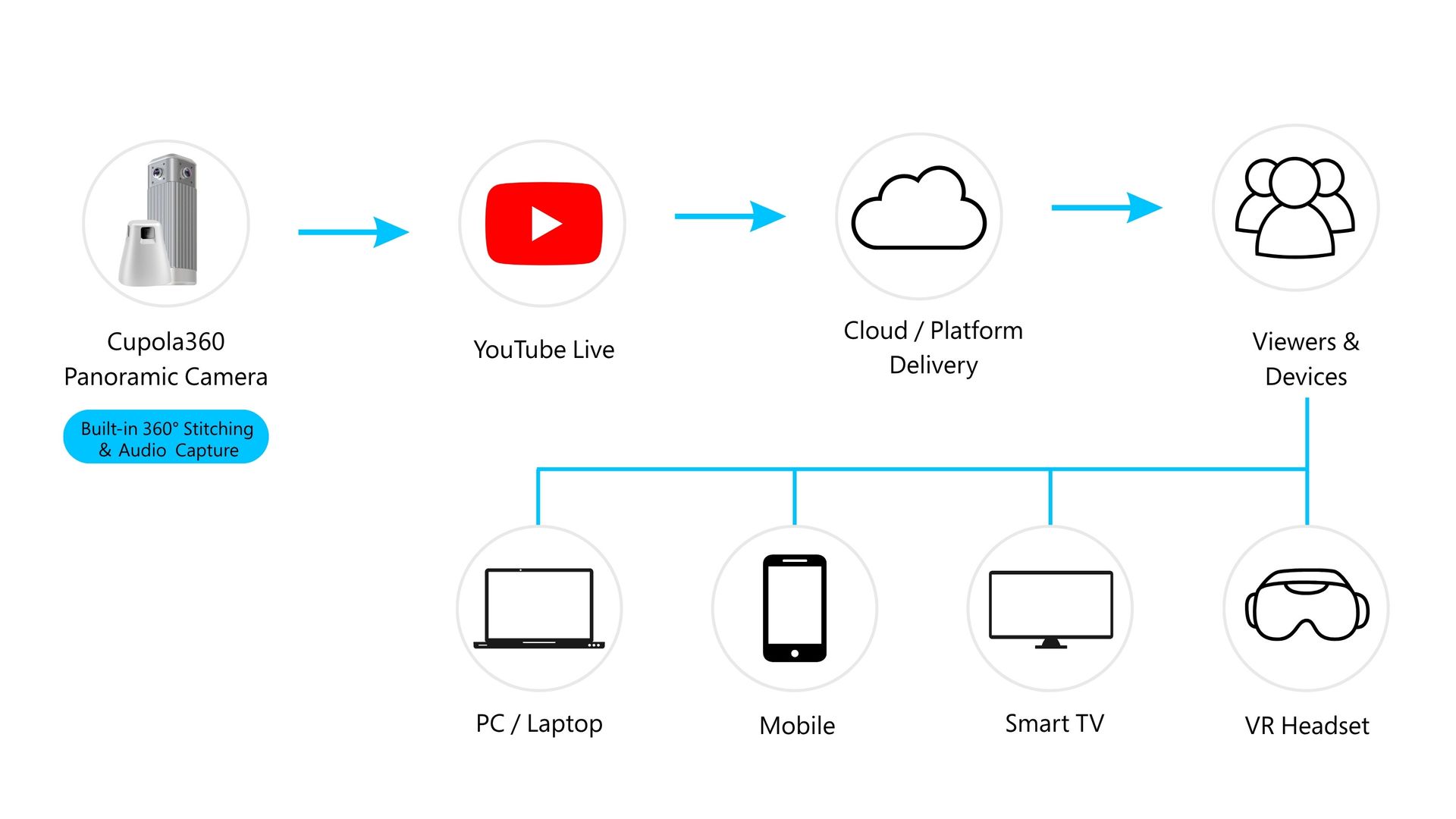
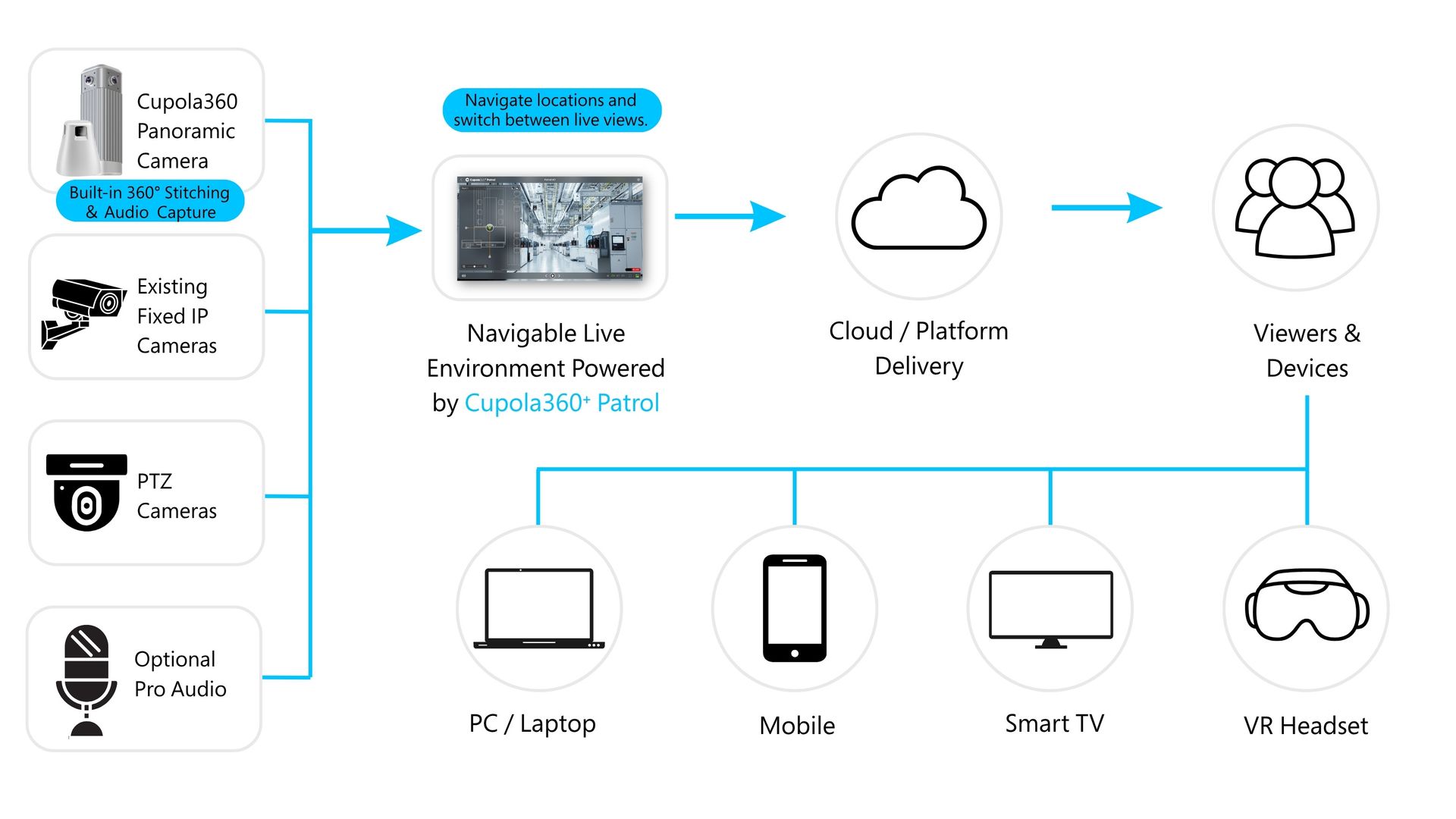
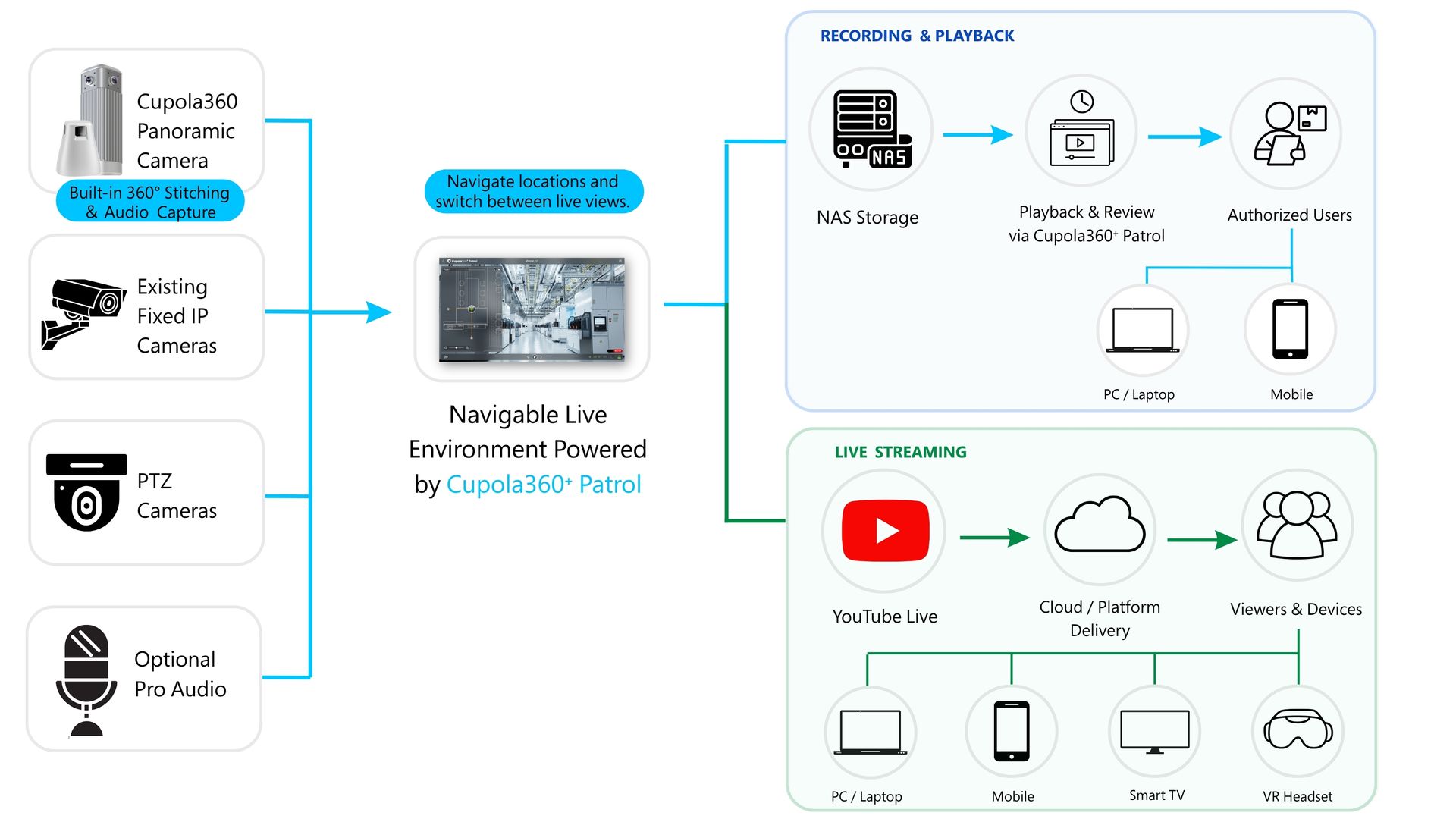
Choose direct YouTube streaming for fast public access, Cupola360⁺ Patrol for navigable multi-camera live viewing, or add NAS storage for recording and playback.

1.

Single-Camera Streaming with YouTube

Simple live streaming for a single location or compact venue


Key Advantage

Fast setup. Broad audience access.

2.

Multi-Camera Streaming with Cupola360⁺ Patrol

Scalable live viewing for larger sites or multiple activity areas


Key Advantage

Site-wide navigation. One connected live environment.

3.

NAS Recording & Playback with Cupola360⁺ Patrol

Store camera footage locally on NAS and access live or recorded views remotely through Cupola360⁺ Patrol.


Key Advantage

Local storage. On-demand playback.

Access practical setup guides, advanced streaming workflows, and real-world examples of 360° live experiences.

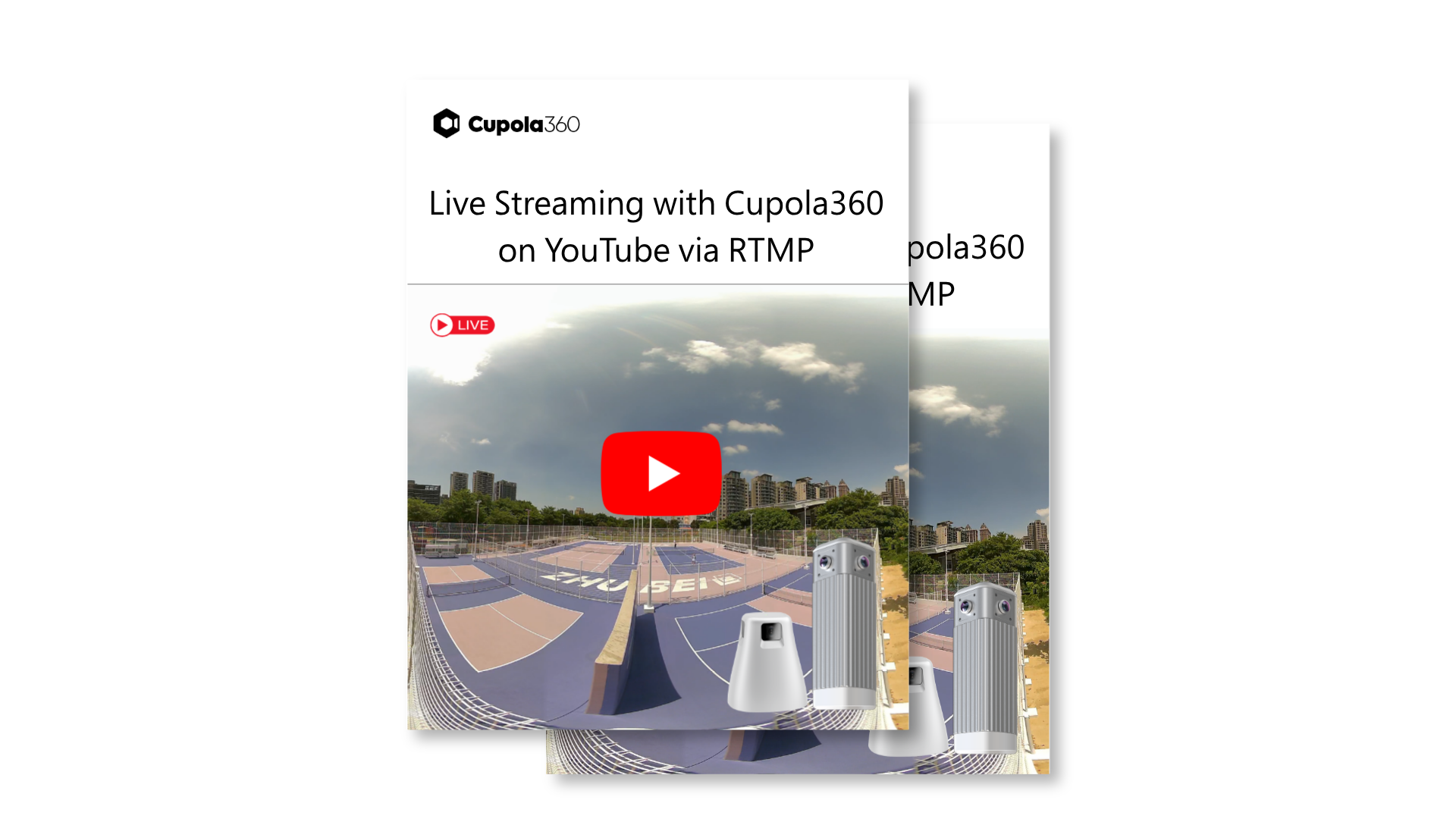
Stream 360° Video to YouTube via RTMP

Applications & Stories

Explore Resources

Access practical guidance for deploying 360° live streaming and explore real-world applications across different sites and events.

Products & Guides

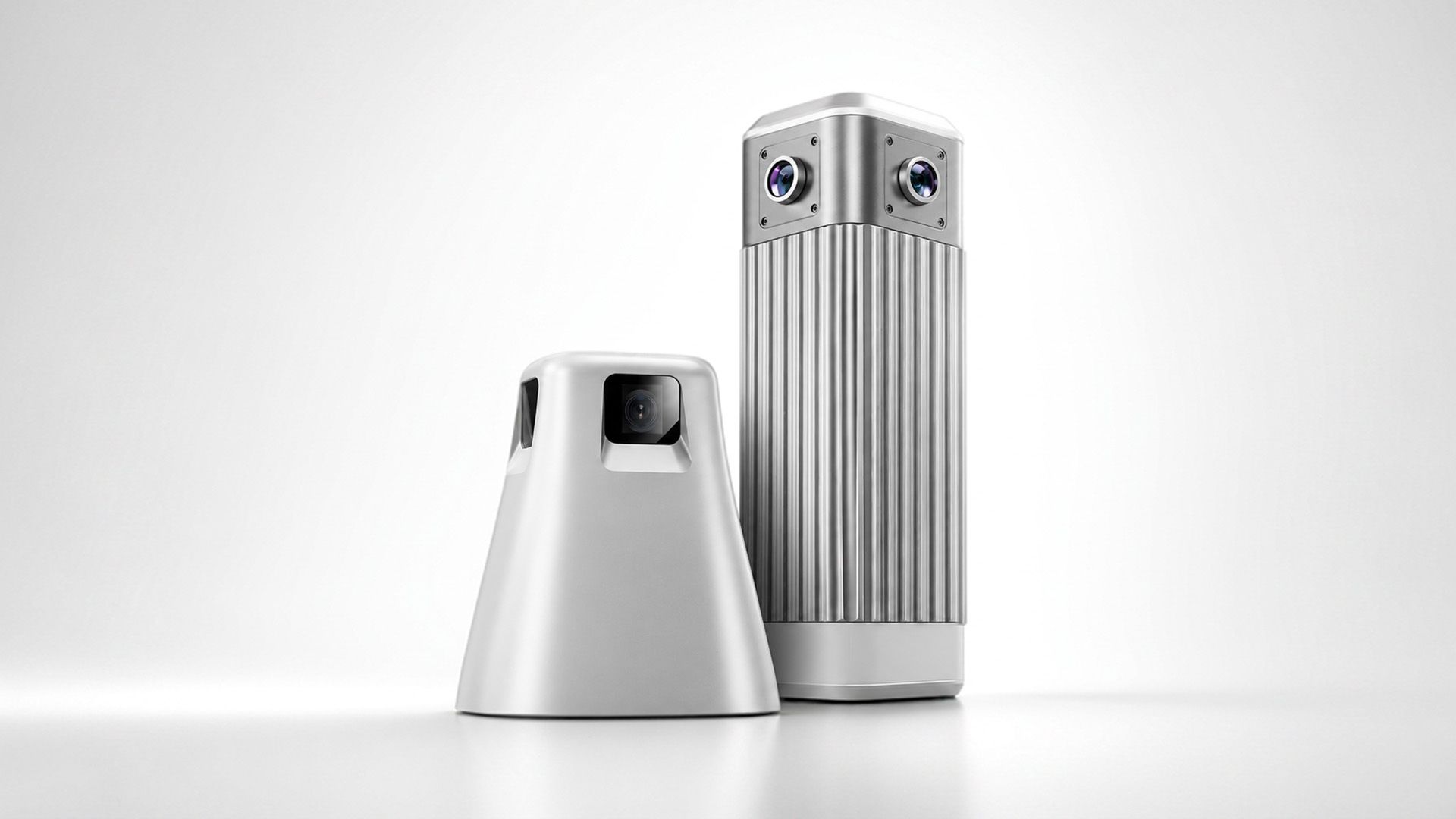
Panoramic Camera

360° and 720° panoramic cameras designed for immersive monitoring and complete situational awareness.

Setup Guide

Follow the setup process for streaming ready-to-view panoramic video directly from camera to YouTube Live.

Applications & Stories

August 4, 2026
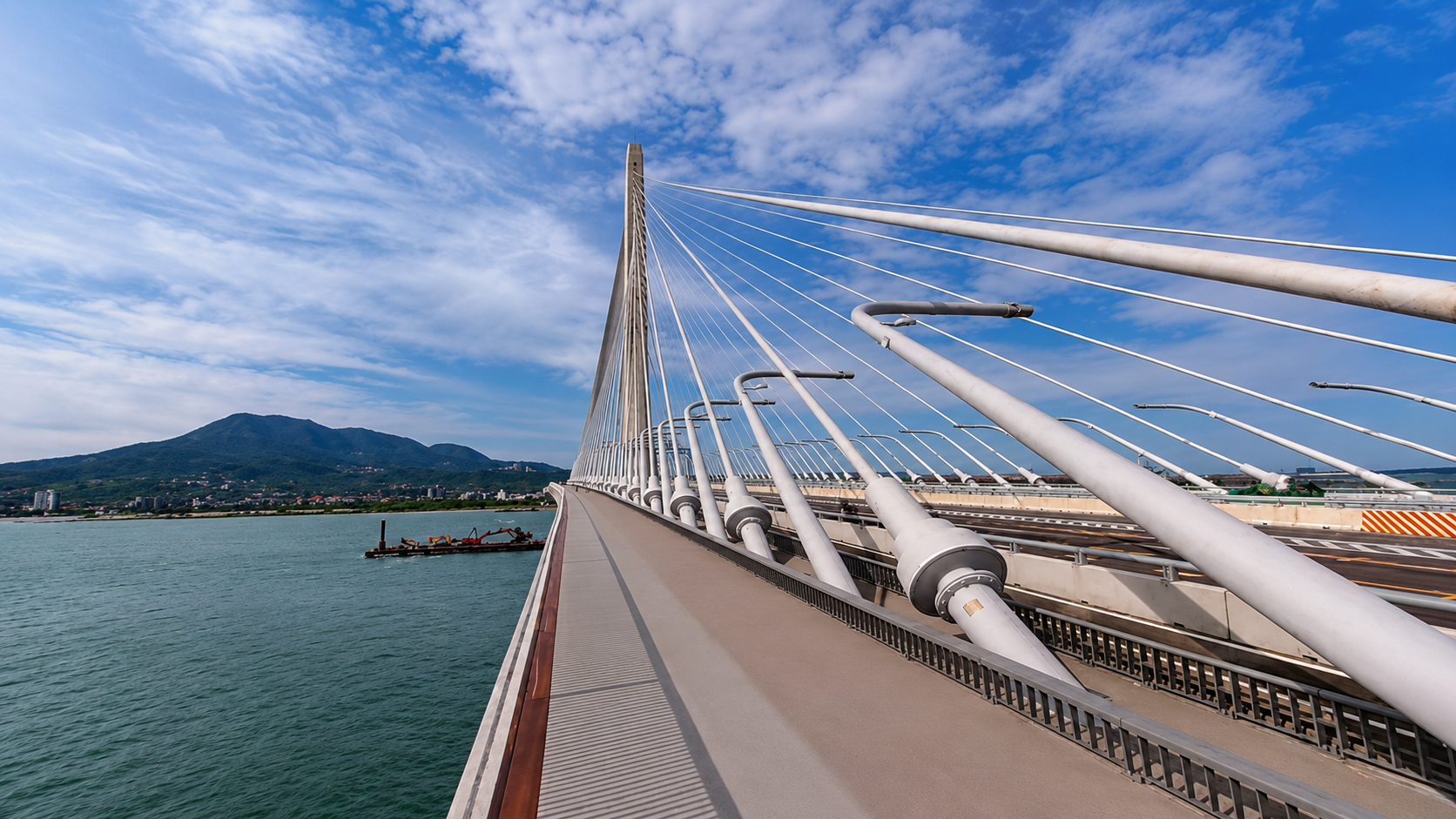
See how DP Smart uses Cupola360-powered 360° live streaming to build a scalable public-facing live view network across tourism sites, public spaces, traffic points, events, venues, and community activities.
Taroko Smart Tourism
August 4, 2026
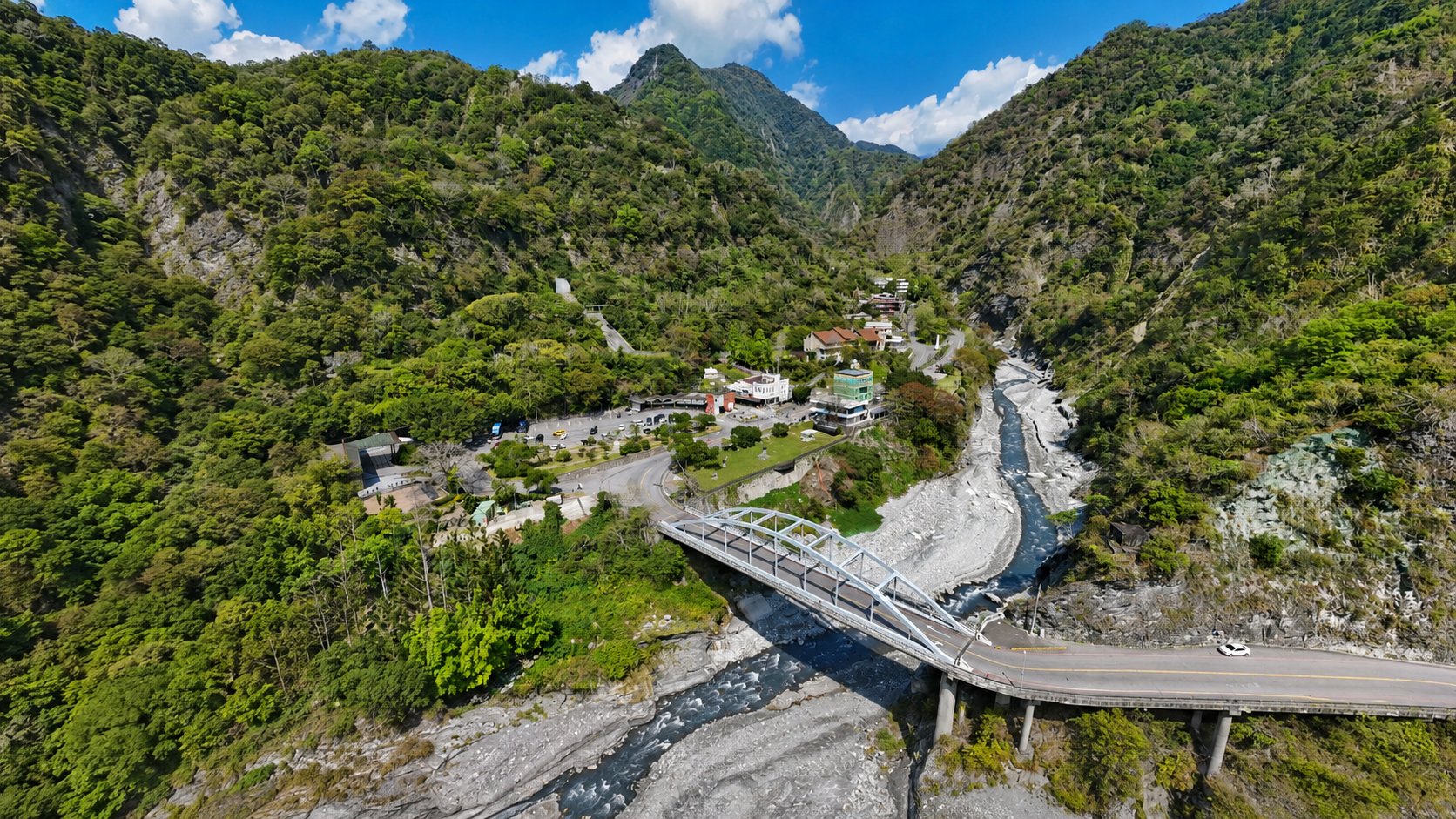
See how DP Smart uses Cupola360-powered 360° live panorama technology to build a smart tourism live image platform for Taroko, supporting visitor previews, real-time scenic views, and remote site awareness.

FAQs

Find quick answers about YouTube streaming, Cupola360⁺ Patrol, camera deployment, audio, network requirements, and viewer access.

  • Can Cupola360 cameras stream directly to YouTube?

    Yes. Supported Cupola360 cameras perform panoramic stitching inside the camera and can send the resulting live stream directly to YouTube through RTMP.

  • Is an external stitching computer required?

    No external stitching computer is required for the standard Cupola360 live workflow. Panoramic stitching is performed inside the camera before the live signal is output.

  • Is Cupola360⁺ Patrol required?

    No. A single Cupola360 camera can stream directly to YouTube. Patrol is recommended for multiple panoramic cameras, existing IP cameras, PTZ cameras, or multi-location viewing.

  • When should I use one camera or multiple cameras?

    One panoramic camera may be sufficient for a compact venue or single viewing location. Larger sites, multiple activity areas, or long-distance coverage may require multiple panoramic cameras and supplementary PTZ or fixed cameras.

  • Can viewers choose where to look?

    In a supported 360° viewing environment, viewers can explore the panoramic scene and select their preferred viewing direction.

  • What happens if the network is interrupted?

    A direct stream may stop sending data when the network or camera source is unavailable. An optional relay workflow can display standby content and retry the live source while maintaining data transmission to YouTube.

Bring the Full Scene to Every Viewer.

Whether you need a simple YouTube live stream or a navigable multi-camera experience powered by Cupola360+ Patrol, find the right workflow for your site, audience, and event.