

November 25, 2026
How to Connect IT and OT with Panoramic Vision for Remote Factory Operations
Author
Supporting AI-Enabled Monitoring Across Different Sites
PTZ, fisheye, multidirectional, and panoramic cameras are not necessarily mutually exclusive choices. Each architecture is designed for a different visual task, and enterprise environments often benefit from combining them.
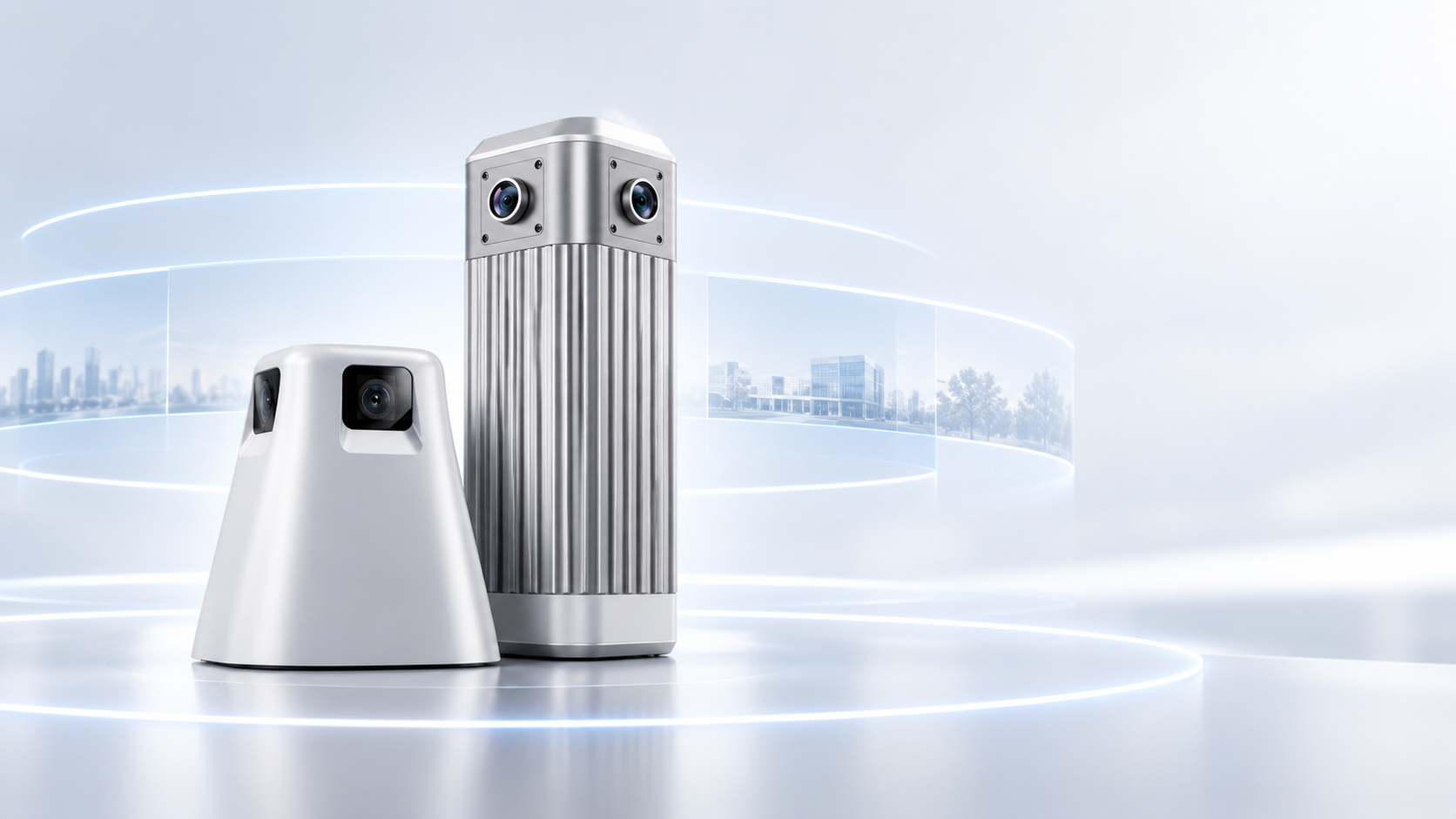
Cupola360 adds something that is especially valuable in this mix: complete scene context.
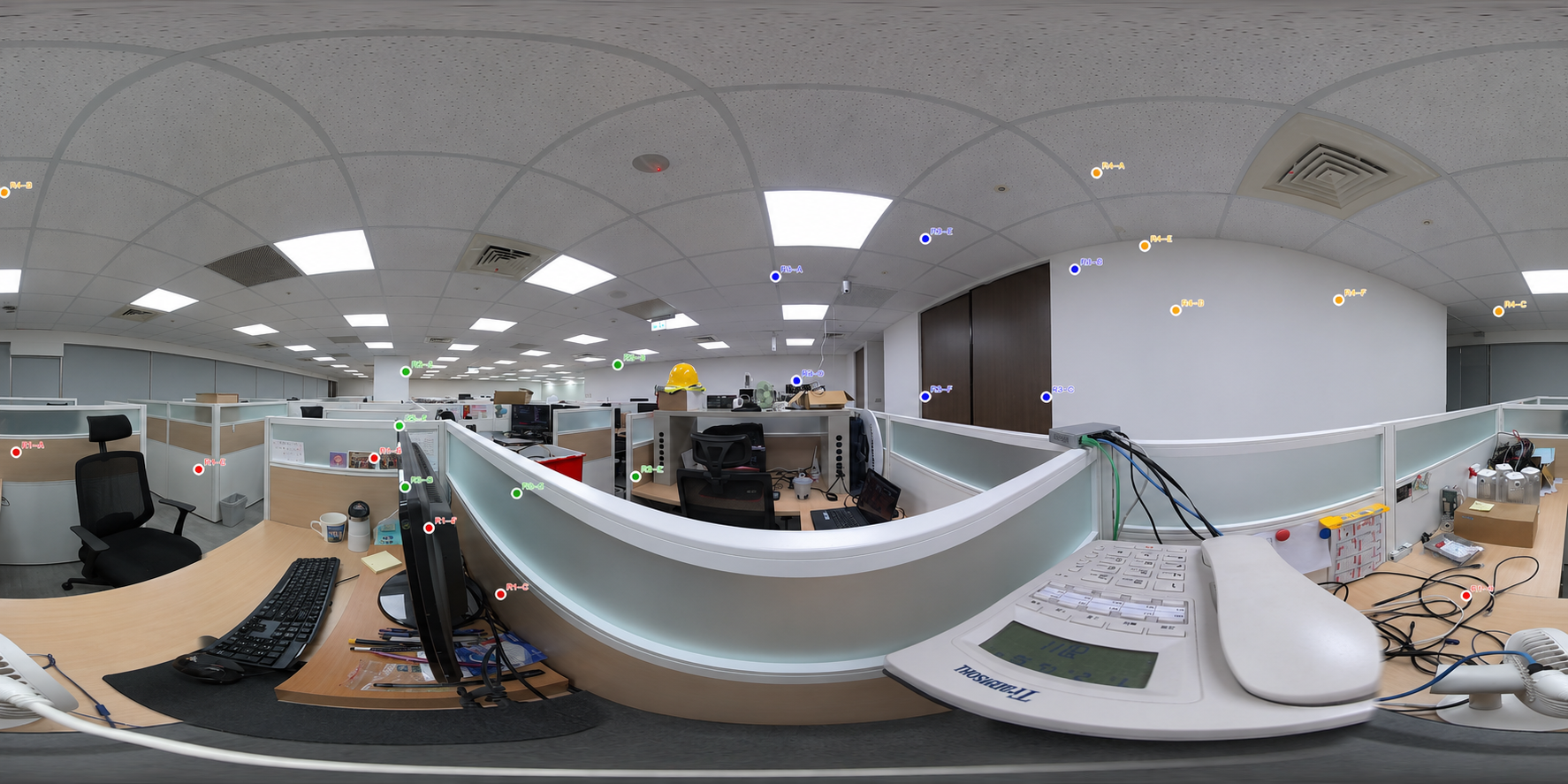
With real-time on-chip hardware stitching, multiple sensor inputs are transformed inside the camera into continuous panoramic data that can be viewed, managed, analyzed, and integrated immediately. This richer scene context can support Visual AI, Spatial Intelligence, Robot Vision, and future Physical AI applications, giving downstream systems more information about how objects relate to the surrounding environment.
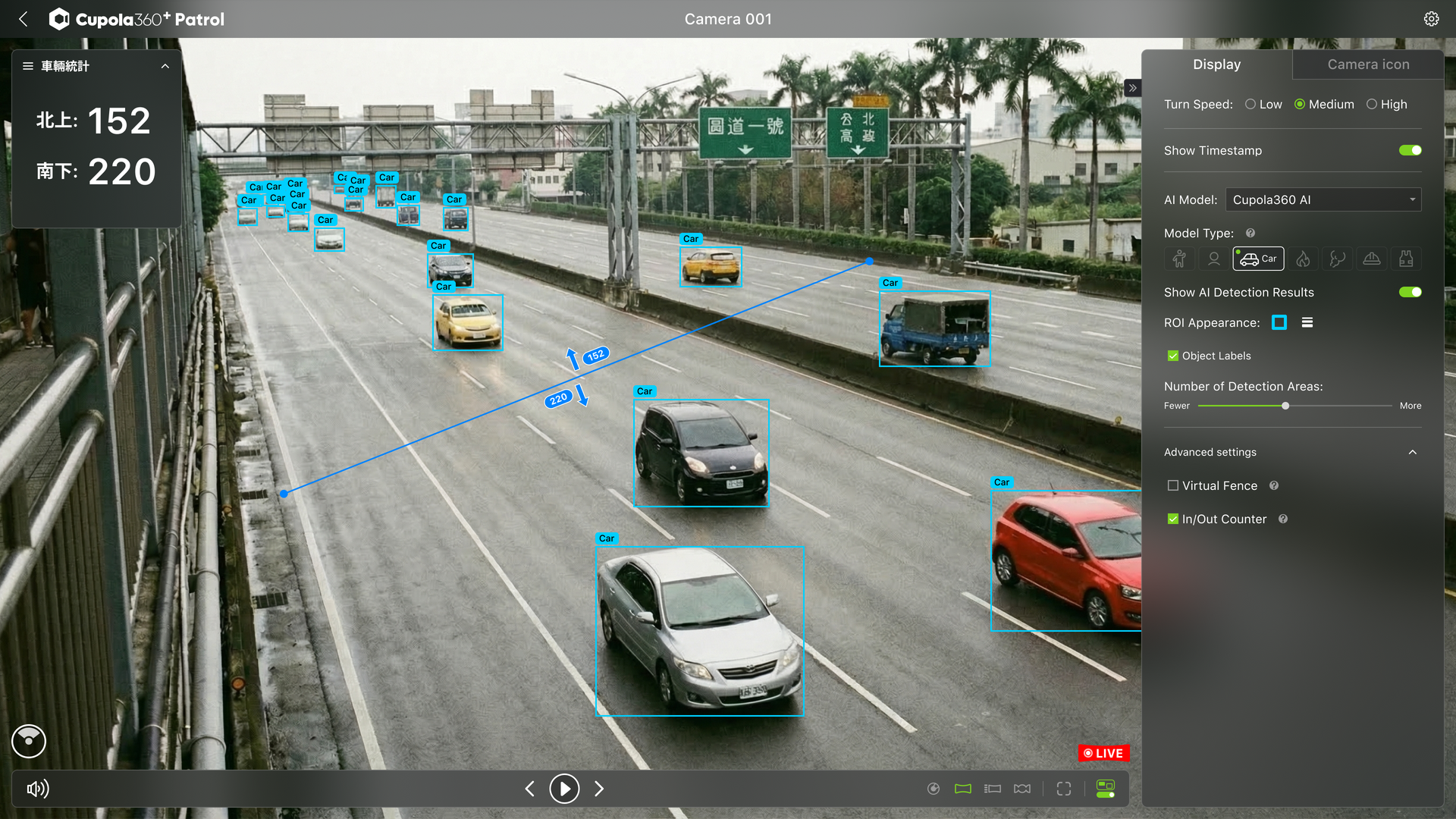
When PTZ, fixed IP cameras, or other video sources are also part of the deployment, Cupola360 does not have to remain another isolated camera. Through Cupola360⁺ Patrol, multiple video sources can be brought together into a unified visual experience—allowing operators to understand the complete scene first, then move into the detail that matters.
Cupola360 is therefore more than a 360° camera.
It delivers complete panoramic data for AI and a unified visual layer for remote site management.
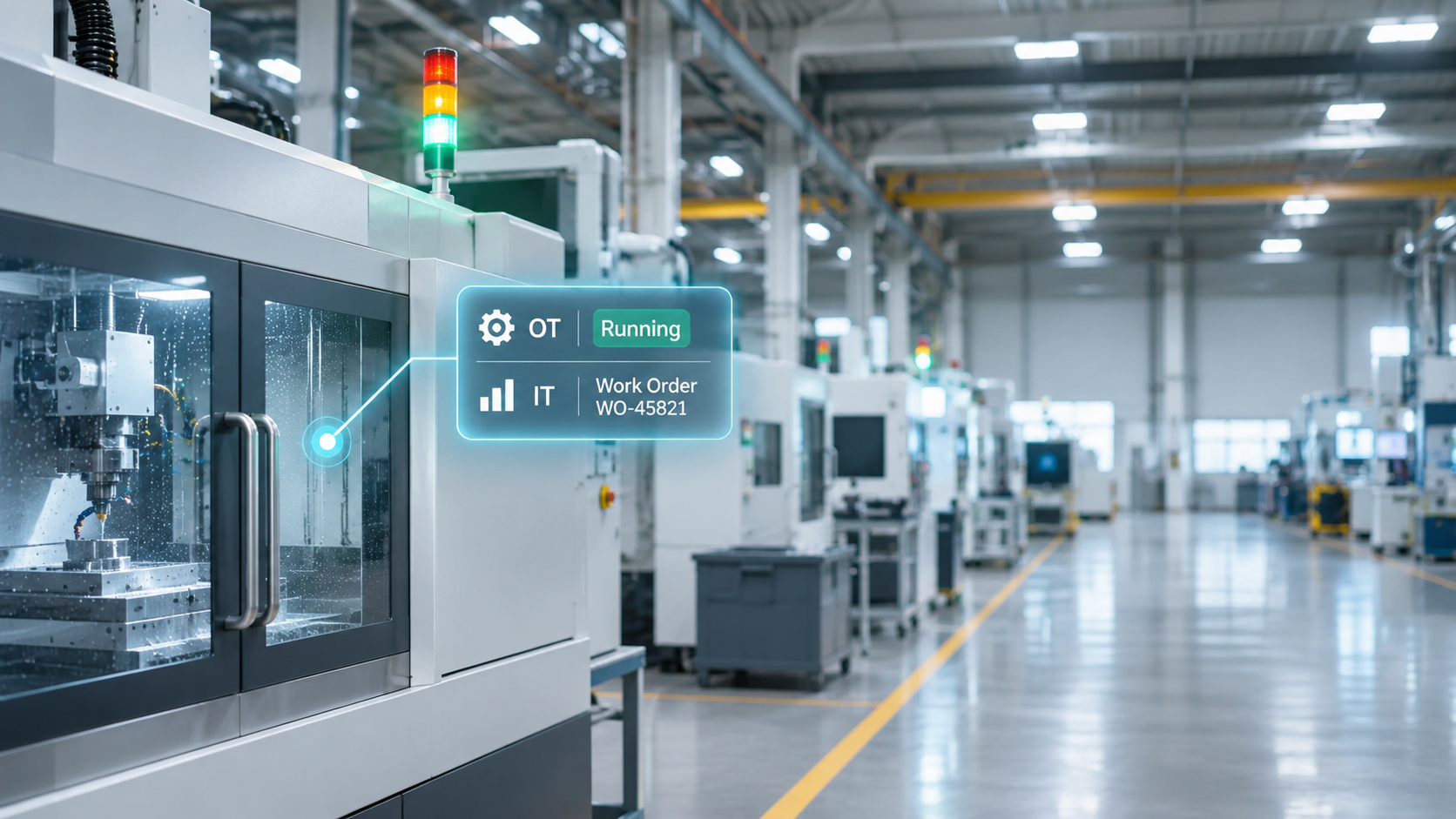
Bring equipment data, existing software, and visual AI into one shared operational view with panoramic reality, OSD, OCR, and Vision-Language Models.
The Challenge Is Often Not a Lack of Data, but Too Many Disconnected Systems
Modern factories typically rely on MES, SCADA, EMS, maintenance platforms, work-order systems, equipment dashboards, and video monitoring. The data already exists, but the challenge is that operators often need to switch between multiple applications and screens just to understand what is happening at the physical site.
Rebuilding every existing system for the sake of integration can create additional development, maintenance, and access-control complexity.
Cupola360 takes a different approach: use panoramic reality as a shared visual layer and bring machine information, existing software interfaces, and visual AI back into the context of the real site.
Remote operators can first see the actual environment, then review related equipment data, alarms, work orders, or AI results to verify events and coordinate a response. Deeper data and workflow integration can then be added where it creates value.
Three Layers of Information in the Same Physical Context
| Camera Architecture | Core Purpose | View / Image Processing | AI / System Use | Key Value |
|---|---|---|---|---|
| Cupola360 Panoramic Camera | Preserve the complete scene | Real-time on-chip hardware stitching with continuous panoramic output | Continuous spatial context for Visual AI, Spatial Intelligence, Robot Vision, and VMS | Immediate viewing, analysis, and integration; may reduce AI / VMS channels and related costs in some deployments |
| 360° Action Camera | Capture first, reframe later | Device- or post-processing, depending on product | Primarily content-oriented; system integration varies by product | Portable, immersive, flexible post-production |
| Fisheye Camera | Wide coverage from one viewpoint | Hemispherical ultra-wide view; ceiling mounting mainly covers the area below | Edge distortion may require dewarping or fisheye-aware AI processing | Broad coverage with compact deployment |
| Multidirectional Camera | Monitor several directions at once | Multiple sensors; independent or stitched views depending on product | Multiple views are often analyzed separately; scene continuity varies by architecture | Multiple directions from one installation point |
| PTZ | Focus on targets and detail | Pan / Tilt / Optical Zoom | Well suited to target detection and tracking; AI context changes with FOV and zoom | Long-range detail and active tracking |
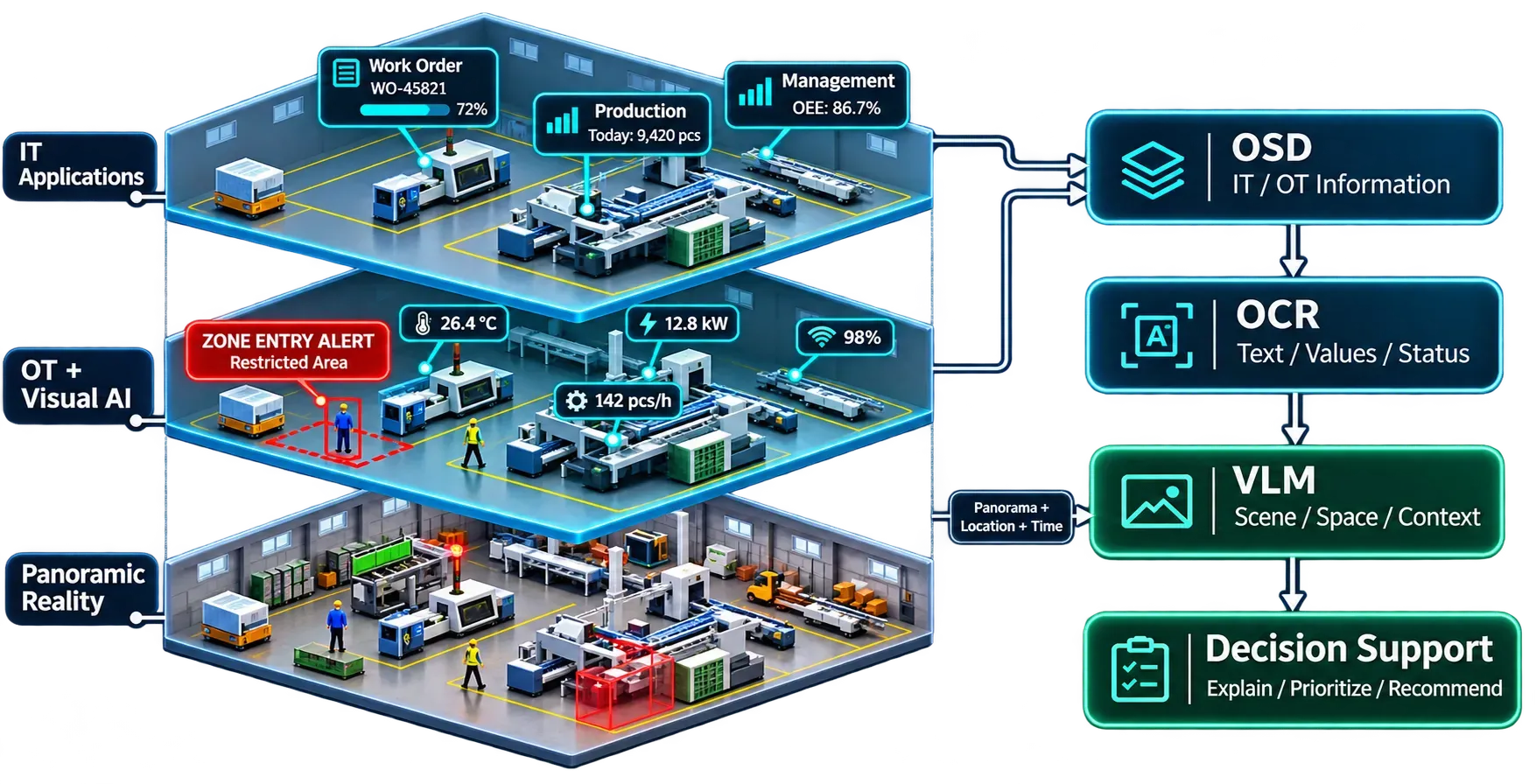
Remote factory management can be organized into three connected layers:
- Panoramic Reality — the physical site, equipment locations, and surrounding environment.
- OT and Visual AI — equipment status, sensor data, events, and AI detections.
- IT Applications — MES, EMS, work orders, management platforms, and other existing software.
All three layers share the same physical site and equipment context.
On-screen display (OSD) can present relevant information inside the visual interface. Optical Character Recognition (OCR) can extract text, values, and status information. Vision-Language Models (VLMs) can then combine this information with panoramic imagery, location, and time context to support scene understanding.
From Web Embedding to APIs: Integrate Existing Systems in Stages
Not every existing factory system needs to be rebuilt
If a system already provides a suitable web interface, its existing page can first be brought into the shared workspace through an iframe. When direct access to machine status, values, alarms, or events is required, APIs or existing integration services can be added.
Common Integration Approaches
| Integration Method | Integrated Content | Management Value & Delivery Scope |
|---|---|---|
| Web & iframe | Web pages, dashboards, work orders, or reports from existing systems. | Retains existing interfaces and presents them within the operational context. Requires the source system to allow embedding and support compatible authentication methods. |
| APIs & Events | Machine status, numerical data, alerts, equipment IDs, and event IDs. | Associates data with specific areas or machines, supporting queries, rules, and historical data retention. Field mapping is implemented based on the source system interfaces. |
| Workflows | Notifications, work orders, task dispatch, operation requests, and result readback. | Coordinated through existing integration platforms or authorized services, with execution governed by user permissions and established OT control procedures. |
Depending on configuration, Cupola360⁺ Patrol can bring panoramic playback, OSD, iframe content, API data, picture-in-picture views, AI results, and external status information into a shared visual workspace.
Actual integration depends on source-system permissions, authentication, embedding policies, and network configuration. Embedding a webpage does not automatically provide access to its underlying data.
Bring Visual AI Into the Same Workspace
Once panoramic reality, equipment information, and existing software interfaces are available in the same workspace, AI can further support recognition, information extraction, and contextual understanding.
Visual AI can identify people, vehicles, personal protective equipment (PPE), or predefined area events. OCR can extract text, numerical values, units, alarm codes, and status information from OSD or authorized web interfaces. VLMs can then combine these signals with the panoramic scene, equipment location, and time context.
The objective is no longer only to answer:
“What is visible in the image?”
It becomes possible to ask:
“What happened, where did it happen, what was the equipment showing at that moment, and how does it relate to the surrounding scene?”
When APIs Are Incomplete, the Screen Itself Can Become an Information Source
Some existing factory systems may not provide complete APIs, or the required fields may not yet be accessible programmatically.
In these cases, equipment IDs, temperatures, alarm codes, work-order status, and other information can first be displayed through OSD or an authorized web interface. OCR can then extract candidate values together with their source, equipment ID, and timestamp.
When reliable API data is available, it should remain the preferred source for verification. OCR and VLM can supplement it by reading information that is otherwise difficult to integrate directly.
A VLM can then combine panoramic imagery, location, time context, and OCR or API data to support event explanation, prioritization, and recommended next steps.

AI Results Still Need Evidence and Verification
AI-generated results should remain traceable to source data, original visual evidence, equipment locations, and timestamps.
Whether identifying site events, extracting OSD information through OCR, or interpreting operational context through VLMs, critical results should be verified against source-system data, predefined rules, or human review.
While AI supports contextual understanding and decision-making, high-risk actions must continue to follow established authorization and OT control processes.
Remote Factory Operations: Where Can This Be Applied?
Bringing visual reality, equipment information, and IT / OT systems into the same site context enables remote management to go beyond simply “watching cameras”.
| Scenario | Information Viewed Together | Remote Management Value |
|---|---|---|
| Equipment Abnormality | Machine imagery, SCADA values, AI alerts, and maintenance work orders | Verify surrounding conditions and determine the required personnel and response. |
| Safety Event | Panoramic area view, PPE or intrusion events, operating procedures, and incident records | Confirm event location, activity, and follow-up results. |
| Energy and Facility Operations | Human activity, schedules, equipment status, and EMS data | Identify conditions such as equipment running in unoccupied areas and initiate rule-based actions. |
| Production Progress | Site activity, MES work orders, material shortages, or downtime information | Compare actual operations with system records and reduce manual cross-checking. |
Real Traceability Requires the Same Site and the Same Timeline
Saving video alone is not enough to reconstruct an operational event
Panoramic imagery, machine data, alarms, work orders, and overlay information need a shared time context. Systems should distinguish between image capture time, source-event time, data-receipt time, and display time while accounting for clock differences, transmission latency, and update frequency.
Important records should also be associated with:
- Site and area
- Equipment ID
- Data source
- Event time
- Visual evidence
When these elements can be correlated, incident review becomes more than video playback—it becomes a reconstruction of the operational state at that moment.
Build a Traceable Operational Visual Record
If panoramic reality, machine information, and the web or OSD content shown at the time of an event are retained together, the system can gradually build an operational visual record for:
- Event replay
- Period-over-period comparison
- Root-cause analysis
- Process improvement
- Performance measurement
A key consideration is historical reconstruction. If playback simply loads the current version of a webpage, it cannot reproduce what the interface showed when the event occurred.
Where historical reconstruction is required, data retention, synchronization, third-party permissions, and replay architecture should be defined during project design.
Measure Integration Through Operational Outcomes
The value of integration should not be measured only by whether multiple screens can appear together. Useful operational metrics include:
- Time from alarm to remote verification
- Number of system or screen switches per event
- Number of on-site verification visits required
- Work-order closure time
- Safety or energy-event response efficiency
When evaluating energy, process, or safety improvement, comparisons should use equivalent areas and operating conditions. Labor-time savings and actual cash savings should also be reported separately.
Start With High-Value Scenarios and Expand in Stages
IT / OT integration does not need to connect every system on day one. A practical deployment sequence is:
1. Select one area and one management problem
Define the required visual coverage, equipment location, and current response time as a baseline.
2. Inventory the required third-party systems
Document web entry points, system owners, authentication, embedding policies, APIs, and historical-data conditions.
3. Validate read-only visual integration first
Confirm that panoramic video, web content, and machine information appear correctly in one workspace.
4. Add AI, OCR, and contextual understanding
Validate event localization, field recognition, units, timestamps, and false-positive handling.
5. Extend into workflows and controlled actions
Add notifications, work orders, dispatch, result feedback, permissions, and historical reconstruction as required.
This staged approach can solve the most immediate information-fragmentation problem first, then deepen integration based on proven operational value.
Conclusion: Not Another Dashboard, but a Shared Visual Workspace for the Real Site
Cupola360's integration value is not about replacing existing IT or OT systems. It is about allowing operators to use information from those systems in the context of the real physical environment.
Panoramic vision provides the shared site layer. Web and iframe integration reduce screen fragmentation. APIs connect structured data and workflows. OCR and visual AI extract and recognize information. VLMs bring imagery, location, data, and time together for contextual understanding.
Combined with Cupola360⁺ Patrol, remote operations can move from simply seeing the site to understanding the site, and then connect verified information back into existing operational workflows.
The goal is not another dashboard. It is one visual workspace for understanding, managing, and reviewing the real site.
Related Articles